AutoBalloon
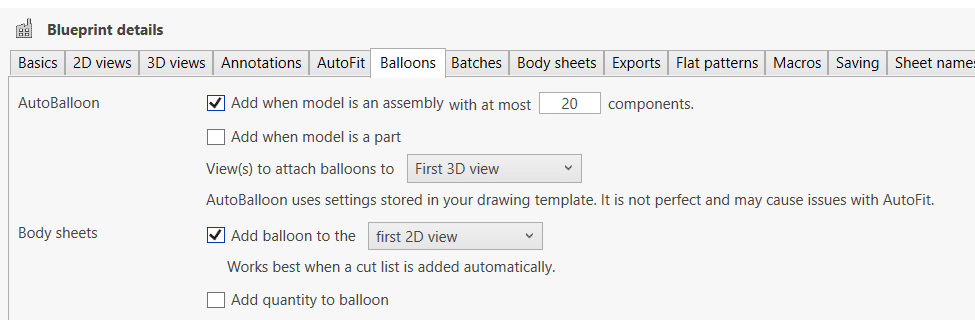
Drew can add balloons to your assembly and multibody part drawings. We use the built-in SOLIDWORKS AutoBalloon feature for this, so it uses all existing settings from your drawing template.
We have two checkboxes for this: one to enable AutoBalloon for parts and one for assemblies.
Once enabled, you also see a numeric input field. There is no use adding 100 balloons to a drawing sheet, so you can add an upper limit here. If the component/body count stays under that number, we add the balloons.